Every unit serviced on time, and every return checked.
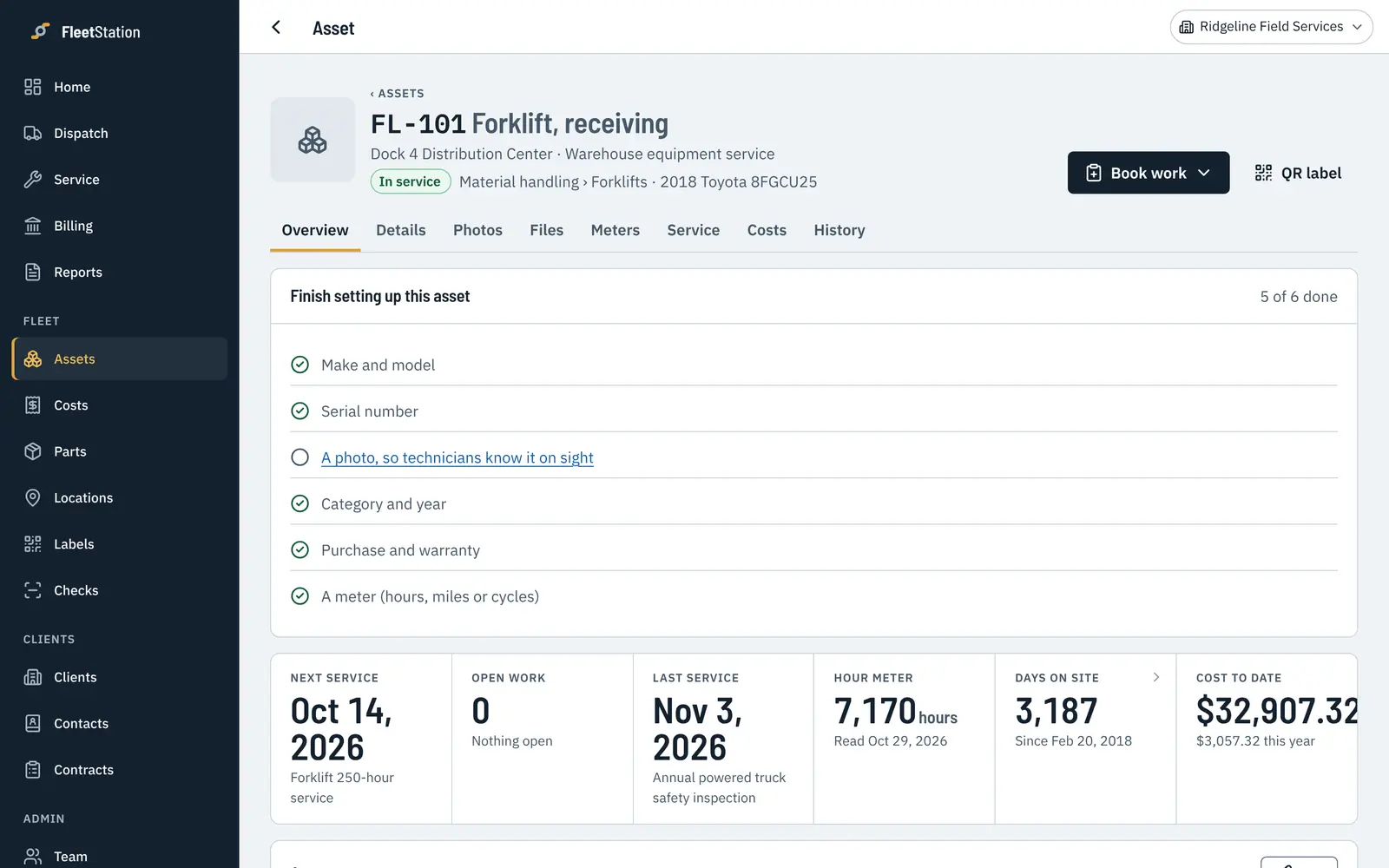
Forklifts, scissor lifts, generators and compressors, serviced by the hour meter and checked every time they go out and come back.
Where things usually go wrong.
Hour meters don't read themselves
Readings come in with every inspection, and the next service moves with them.
Damage you can't prove
Return inspections with photos and notes, saved on the unit's record with the date and who did them.
Units sit waiting for a tech
The dispatch board shows every technician's week, so urgent work gets in fast.
Own the assets, or look after them for someone else.
Service your units by the hour meter, check every one going out and coming back, and see which ones cost the most.
For fleet ownersPlan hour-based service for each customer's units, and send a report for each location you look after.
For service providersSet up the way your team already works.
Service by hours, date or both
A 250-hour service and an annual inspection on the same unit, each due when it should be.
Check-out and return
A short checklist each time a unit goes out or comes back. Anything that fails turns into a repair.
Know when to replace
Cost to date and cost this year on every unit, so the expensive ones stand out.
Turn your paper checklists into phone checklists.
Type in the checks you already do, add readings where they matter, and your techs tick through them on a phone. Here's an example.
Upload your unit list with hour meters and you're ready to schedule.
- Hour meter readingPass
- Forks, chains and mastPass
- Hydraulic leaksPass
- Brakes and parking brakePass
- Horn, lights and backup alarmPass
- Battery charge or fuel levelPass
Change it to fit your operation.
Your checklists
Write your own steps, add readings like battery voltage or tire depth, and mark which failures are urgent.
Your schedules
Every month, every 250 hours, every 5,000 miles, or a mix of them on the same asset.
Your words
Rename the kinds of service you do, and call your clients customers if that's what you say.
The features you use
Meters, parts, stock, time and materials, quotes and invoices each turn on or off in Settings.
Who does what
Owners, managers, dispatchers, technicians and view-only people, with your own limits on who can approve what.
Your stages
Track where each asset is in your own process, like in recon, on loan or waiting on parts.
Looking after something else as well?
Golf carts and resort fleets
Track every cart, shuttle and utility vehicle, keep batteries and brakes on schedule, and get proof the service got done.
See how it worksCar dealerships
Track recon, pre-delivery inspections and loaners by stock number and VIN. See every vehicle's stage and what it cost to get it front-line ready.
See how it worksFacilities and general fleets
One place for vehicles, scrubbers, generators, HVAC and the rest, whether your own team or an outside contractor does the work.
See how it worksSee your own fleet in it today.
Try every feature free for 30 days with your whole team. No card needed, and you can bring your asset list from a spreadsheet.